
Sign in to Portal Try Free for 30 Days

Hybrid Work

Meeting room and workspace management for hybrid teams

Rooms, displays and calendars managed from one place for teams that split the week between the office and home.

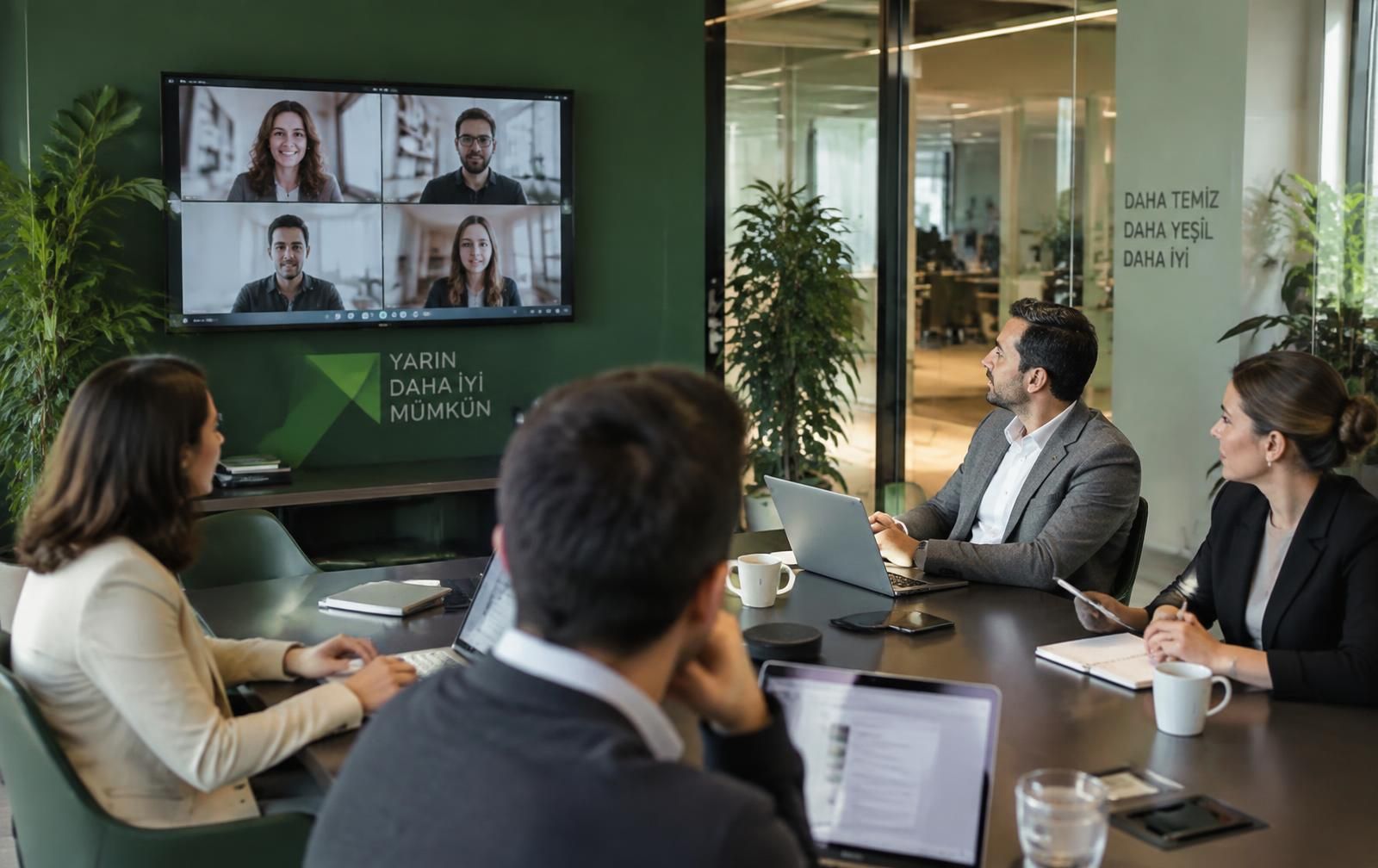
Hybrid meeting: a team in the room, remote participants on screen
A hybrid meeting: four people in the room, the rest on screen. Room status is live on the door panel.

Hybrid work did not shrink offices; it changed their rhythm. Rooms run out on Tuesdays and sit empty on Fridays. Meeting makes it measurable: which rooms are really used, which bookings turn into no-shows, and when the office hits its limits.

74%
average occupancy
92%
check-in rate
18 min
wasted room time per day
01

Three hybrid problems in meeting rooms

Remote attendance became normal, but most booking systems were designed for a fully occupied office.

  • Ghost bookings: the room is reserved, nobody shows up, the system still says busy.
  • Peak-day crunch: demand doubles on Tuesdays and Wednesdays.
  • Remote attendees: nobody knows at booking time whether the room has video gear.
02

Auto-release ends ghost bookings

If nobody checks in on the door panel within the configured window, the room is released automatically and becomes bookable again. Capacity comes back on its own during peak days.

  • Per-room check-in window (for example 10 minutes).
  • Released rooms sync instantly to Microsoft 365 and Google Workspace.
  • Walk-in booking: grab a free room with one tap on the panel.
03

Data that plans the office day

Occupancy, check-in rate, average meeting length and attendees per room are reported. You decide how many rooms each day needs from measurement, not guesswork.

  • Occupancy heatmap by day and hour
  • No-show rate by department
  • Capacity mismatch report (two people in an eight-seat room)
04

One calendar the remote team also sees

Minty Calendar, Microsoft 365 and Google Workspace accounts merge into a single unified calendar. The door panel, the corridor board and the remote employee see the same data.

All calendars IT CalendarHR CalendarSales CalendarAurora Room Create meeting

September 2026

MonthWeekDay

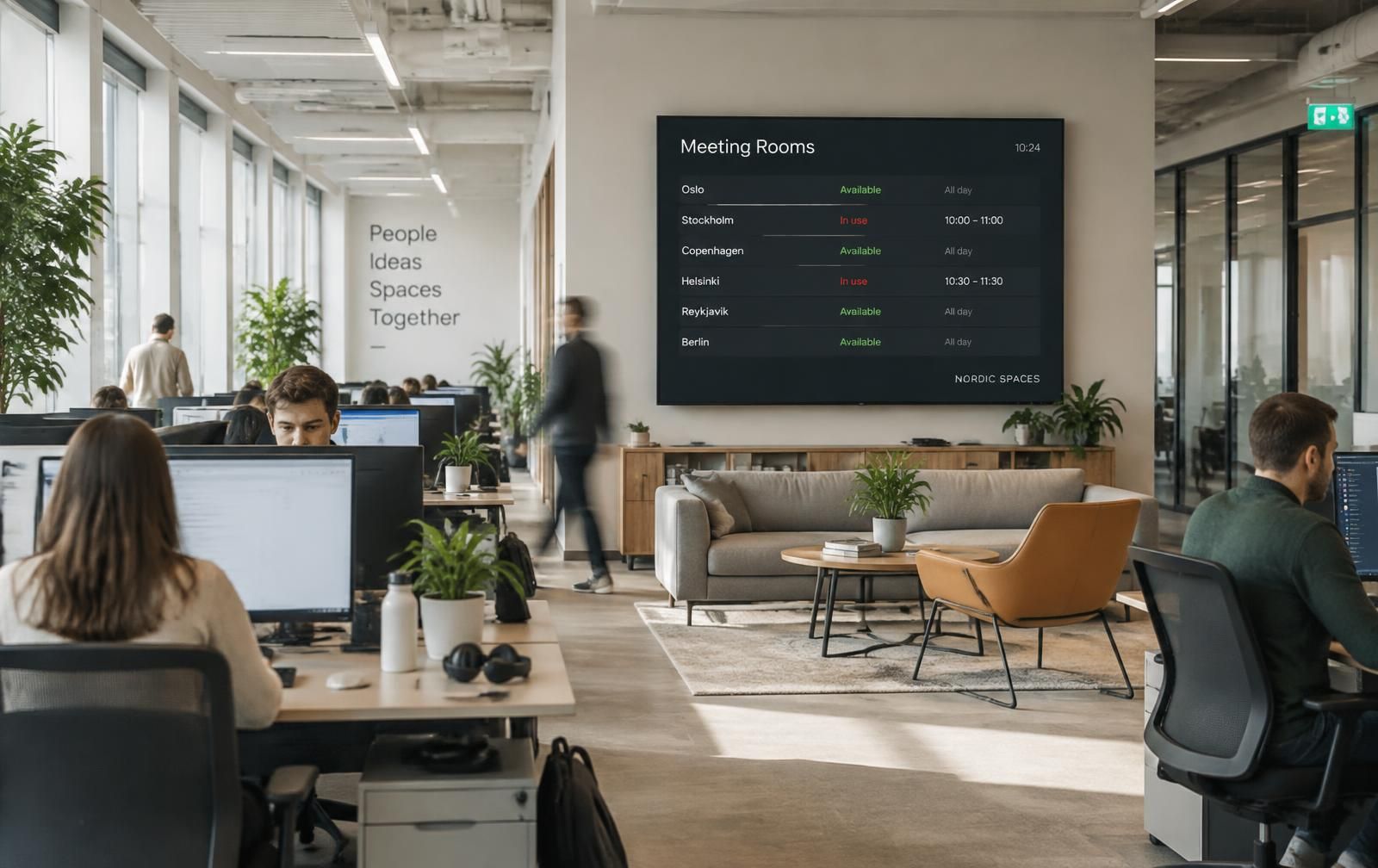
Meeting room status board in an open office

Room Status — Floor 4

Updated 09:42

live
  • Aurora — Meeting Room Free
  • Meridian — Executive Busy
  • Cascade — Video Conference Free
  • Vertex — Interview Busy
12/12
Online displays
74%
occupancy
8 rooms
License

Frequently asked questions

How many meeting rooms does a hybrid office need?

There is no fixed ratio; peak-day simultaneous demand decides. The occupancy report shows how many rooms are in use at the same time during peaks. In practice, demand for small 2-4 person rooms is higher than for large ones.

Can employees book before coming to the office?

Yes. Booking happens in Outlook or Google Calendar and appears on the door panel and corridor board automatically. Without check-in, the room is released after the configured window.

Can we also book desks?

The platform is resource-based: alongside rooms, displays and devices, shared areas can be defined as resources and managed with the same calendar logic.

Start measuring your hybrid setup

Let's plan a 30-minute demo around your room count and peak days.

We use cookies to improve your experience. You can change your preference any time. Cookie policy