
Sign in to Portal Try Free for 30 Days

Digital Signage

Digital signage for workplace communication

Corporate content on lobby, corridor, cafeteria and production floor screens; playlists, announcements and priority messages from one panel.

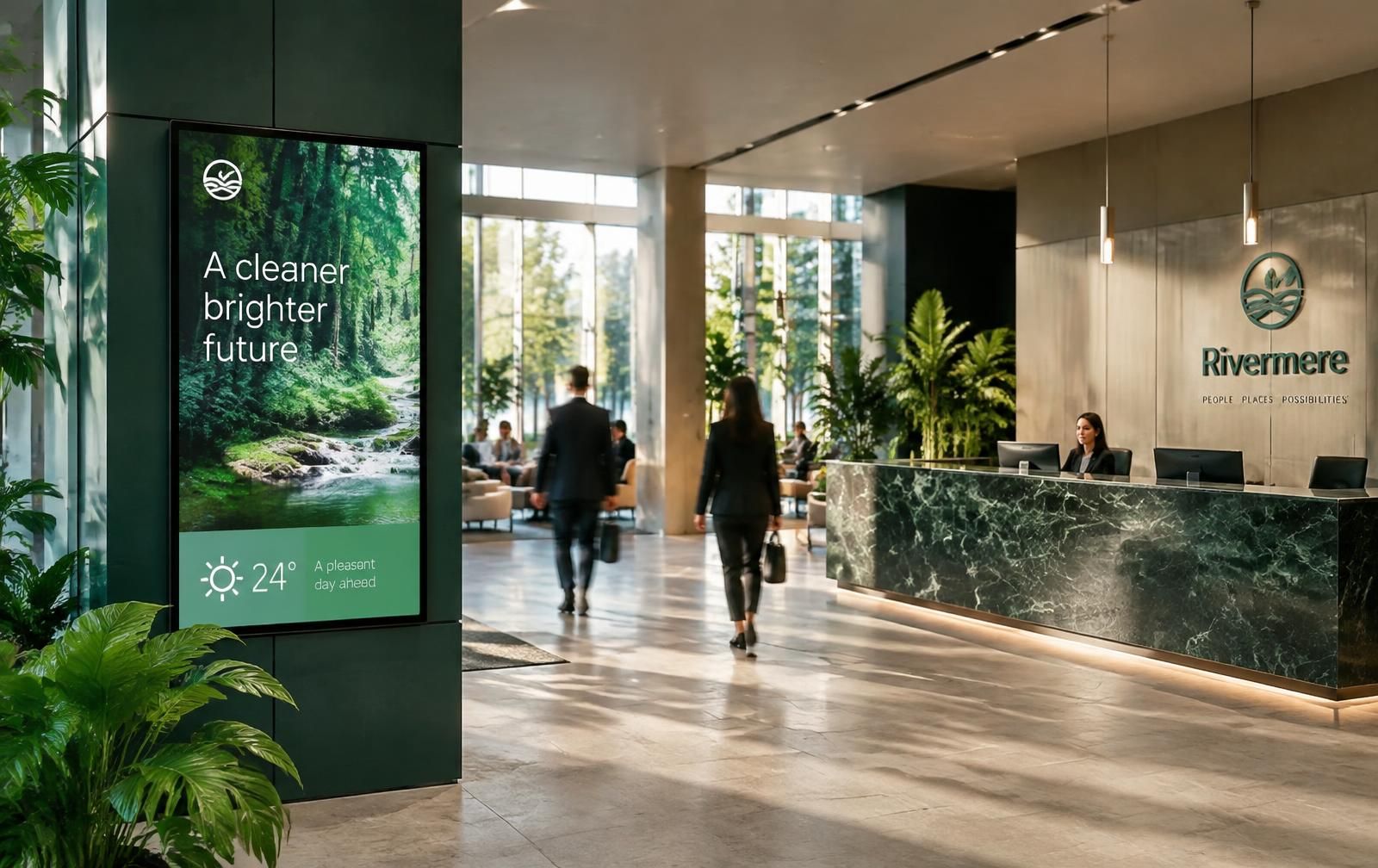
Vertical digital signage screen in an office lobby
Vertical signage in the lobby: corporate message, weather and welcome content in one broadcast loop.

Digital signage turns office screens from passive TVs into a communication channel. In Meeting every screen is a resource with a type (info, survey, signage, general meeting), a PIN code and a broadcast schedule. Content is published centrally — nobody has to touch the screen.

5
screen types
24/7
broadcast schedule
1
admin panel
01

Playlists: content, duration, order

Images, video, web pages and announcements are collected in a playlist. Each item gets a duration and a position, then the list is assigned to one or many screens. Screens pull the list automatically — no more walking around with a USB stick.

  • Images, video, web content and announcement cards
  • Per-item display duration and ordering
  • Publish to one screen, a screen group or a whole location
02

Priority broadcast overrides everything

For evacuation notices, outages or sudden meeting changes, priority broadcast pauses the playlist, shows the message on every screen instantly, and resumes the loop afterwards.

03

Broadcast schedule and per-screen planning

Every item can be scheduled to a day and time range: morning welcome content, lunch menu, evening event notice. Views such as All Screens, Info Screen 1 and Info Screen 2 show what is playing where.

  • Day and hour based content plan
  • Screen and screen group views
  • Device connection status and serial number tracking
04

One brand identity across every screen

Templates carry corporate colors, logo and typography, so content changes while the visual language stays constant across locations.

  1. Regular playback
  2. Priority content
  3. Sent to all displays
  4. Back to regular playback
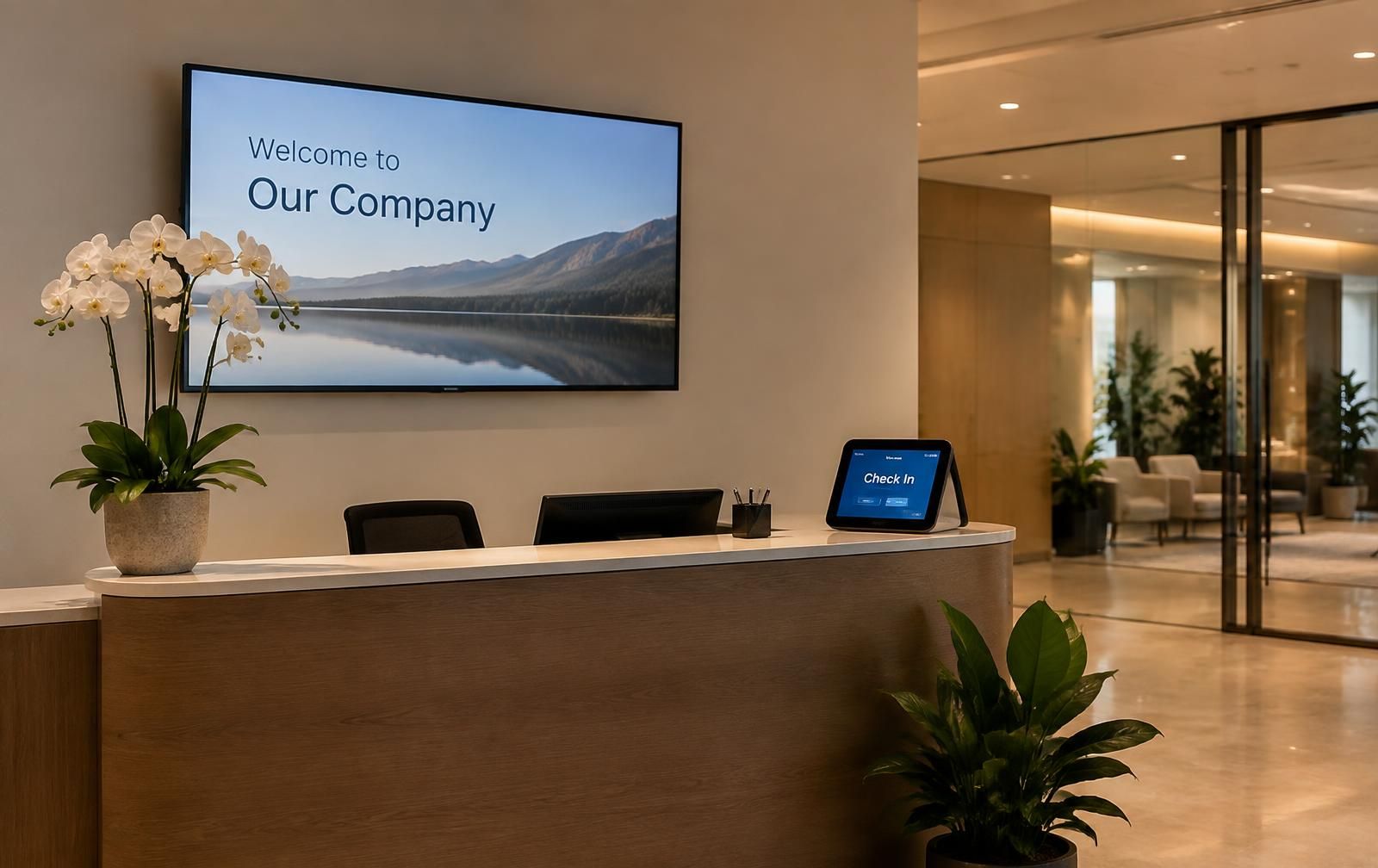
Welcome screen and check-in tablet at reception

Frequently asked questions

What is digital signage?

Digital signage is centrally managed visual communication over screens. Instead of printed posters, content is updated remotely, scheduled by time and measured.

Which screens are supported?

Android-based info displays, commercial screens and door panels. A screen is paired with a PIN generated in the panel; serial number and connection status are tracked in the device list.

Is it the same system as meeting room displays?

Yes. Door panels, corridor wayfinding boards, survey screens and signage are managed from the same panel — no second software.

Manage every screen from one panel

Share your screen inventory and we'll design the broadcast flow together.

We use cookies to improve your experience. You can change your preference any time. Cookie policy