Sign in to Portal Try Free for 30 Days

Displays

Display types

Pair any brand-independent Android device by code and turn it into a meeting room, information or survey display.

Minty Yazılım

Istanbul Office · 12th Floor

09:12
  • AtlasAVAILABLE
  • AuroraBUSY
  • OrionAVAILABLE
  • NovaAVAILABLE
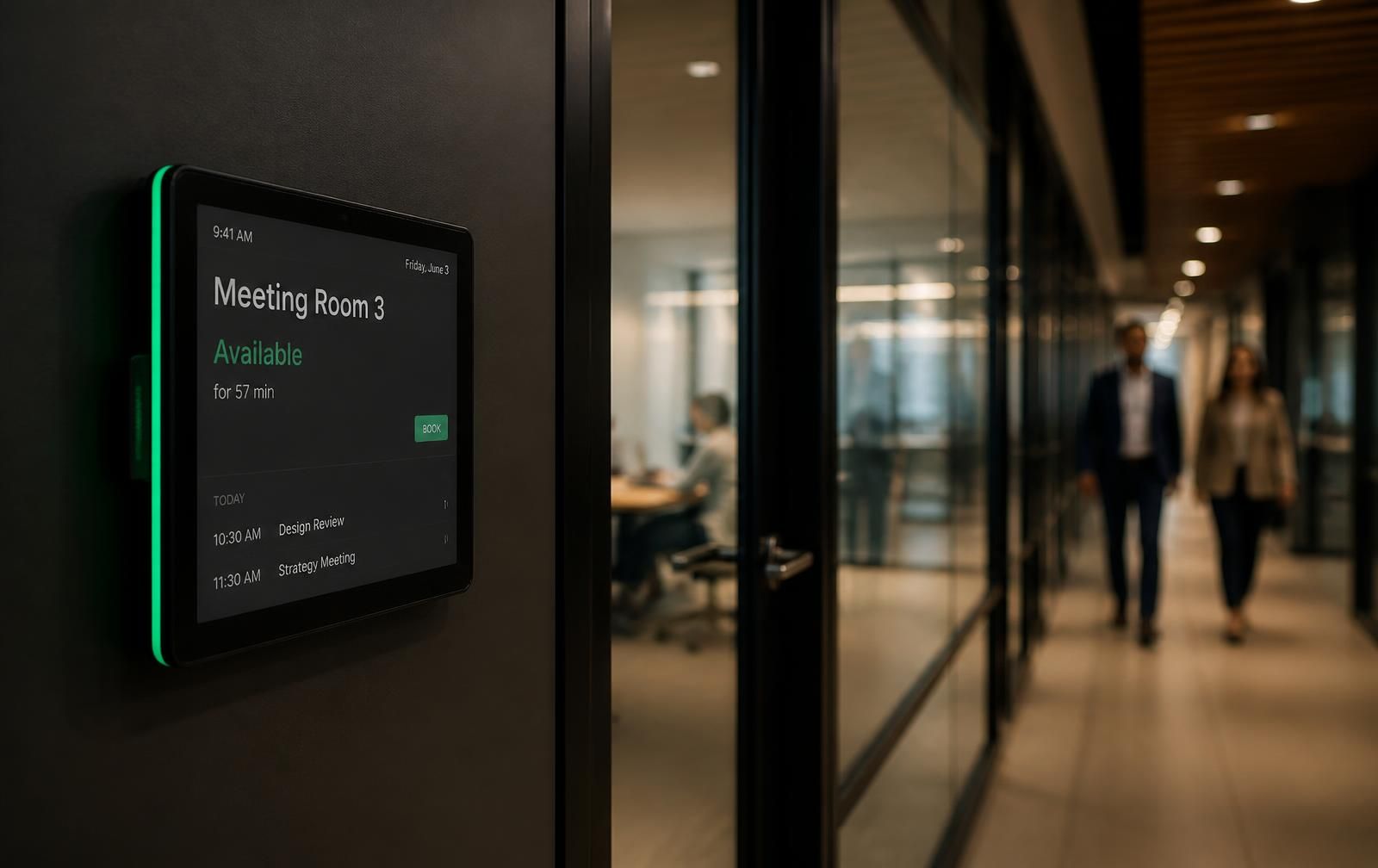
Touch door panel at a meeting room door
Door panel: green when the room is free, red when busy — visible before opening the door.
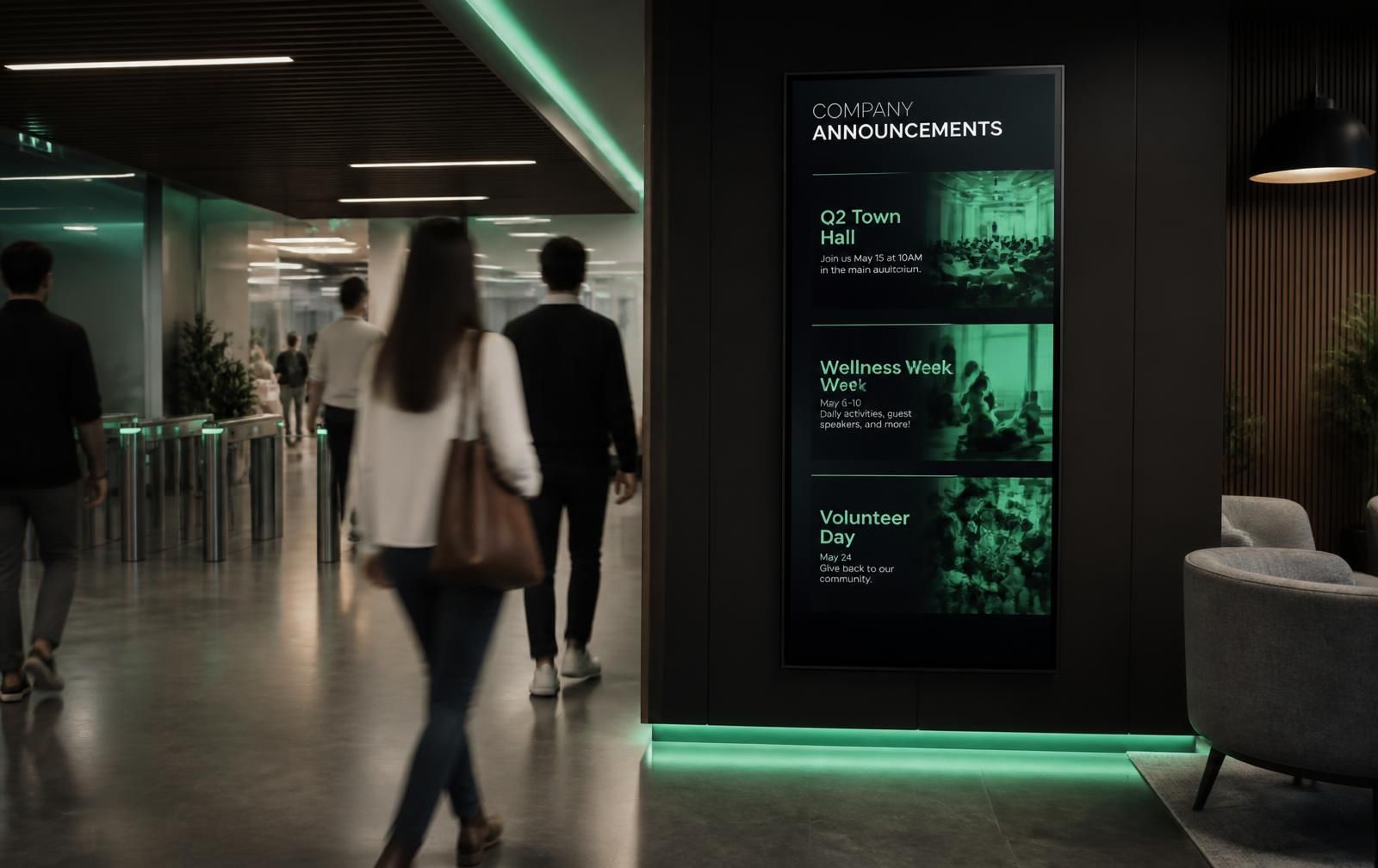
Vertical digital announcement screen in a lobby
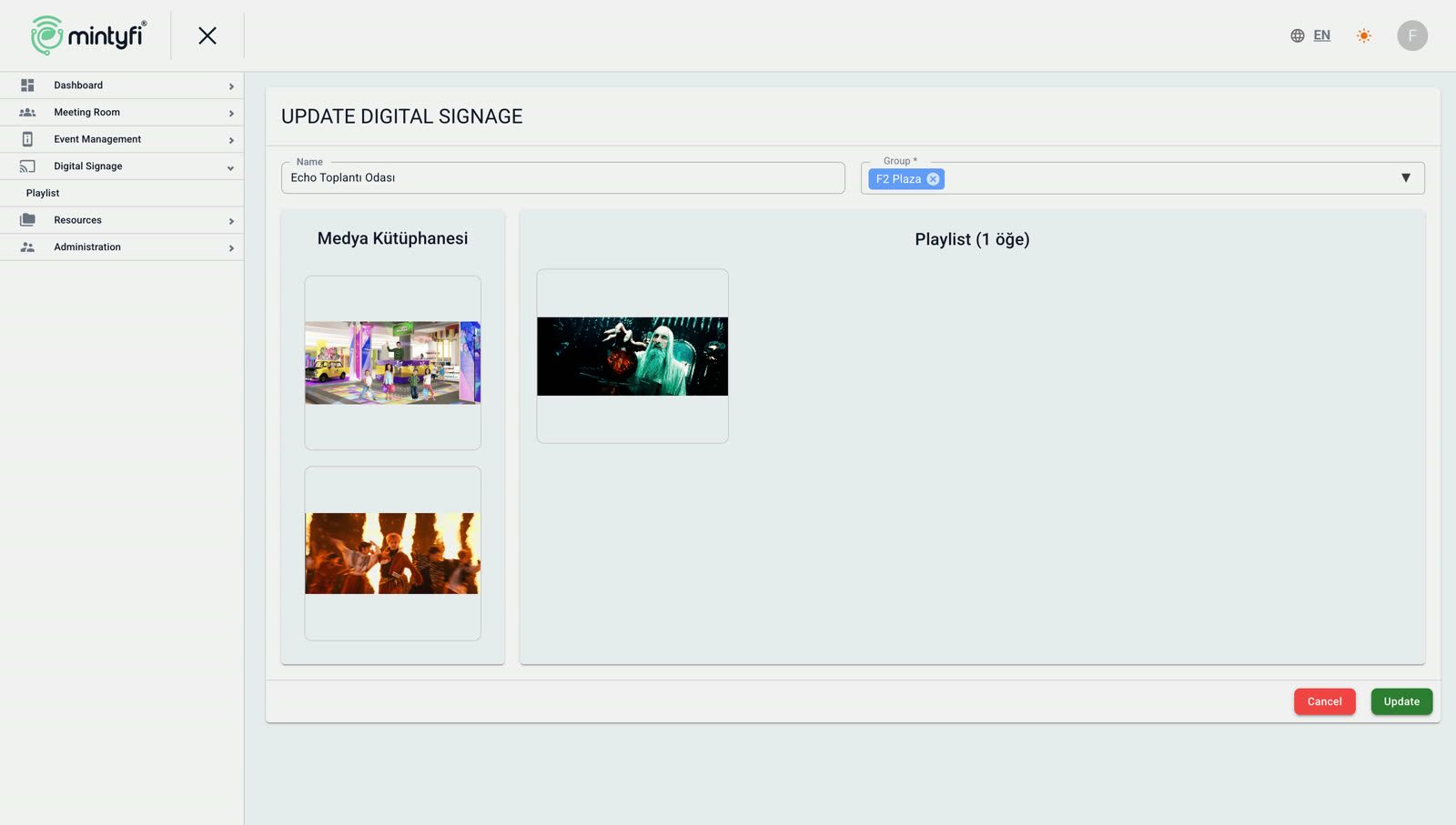
Lobby screens play announcements, events and campaign content in sequence.

Display types

Every display is registered with a type, and the type decides what content it shows.

  1. 01MeetingThe door panel at the room entrance.
  2. 02General MeetingThe multi-room corridor board at the floor entrance.
  3. 03InfoAnnouncement and information display.
  4. 04SurveyPost-meeting feedback display.
  5. 05Digital SignageContent playback in shared areas.
01

Door panel

Free / Busy state, the next meeting and walk-in booking at the room door.

Floor 4 · 08

Aurora

Free

Next meeting

10:30 — 11:15 · Product Committee

Book now
Floor 4 · 08

Aurora

Busy

Next meeting

10:30 — 11:15 · Product Committee

Book now
02

Corridor board

Live state and occupancy of every room at the floor entrance.

Room Status — Floor 4

Updated 09:42

live
  • Aurora — Meeting Room Free
  • Meridian — Executive Busy
  • Cascade — Video Conference Free
  • Vertex — Interview Busy
03

Event display

Today's programme, hall wayfinding and corporate announcements.

Today's programme

  • 09:00Corporate BriefingAurora
  • 11:30Regional Sales MeetingMeridyen
  • 14:00Supplier PresentationKaskad
04

Survey display

Quick satisfaction scoring and a free-text field after meetings.

Survey screen

Was this meeting productive?

  1. 1
  2. 2
  3. 3
  4. 4
  5. 5

Not at allVery much

Your comment (optional) Send
05

Announcement list

Create announcement records in the panel, link them to a calendar and publish them to selected displays.

Announcement list

  • 1Weekly Management Meeting
  • 2F2 Plaza Dealer Meeting
  • 3Welcome Info
  • 4Red Star Aviation Meeting

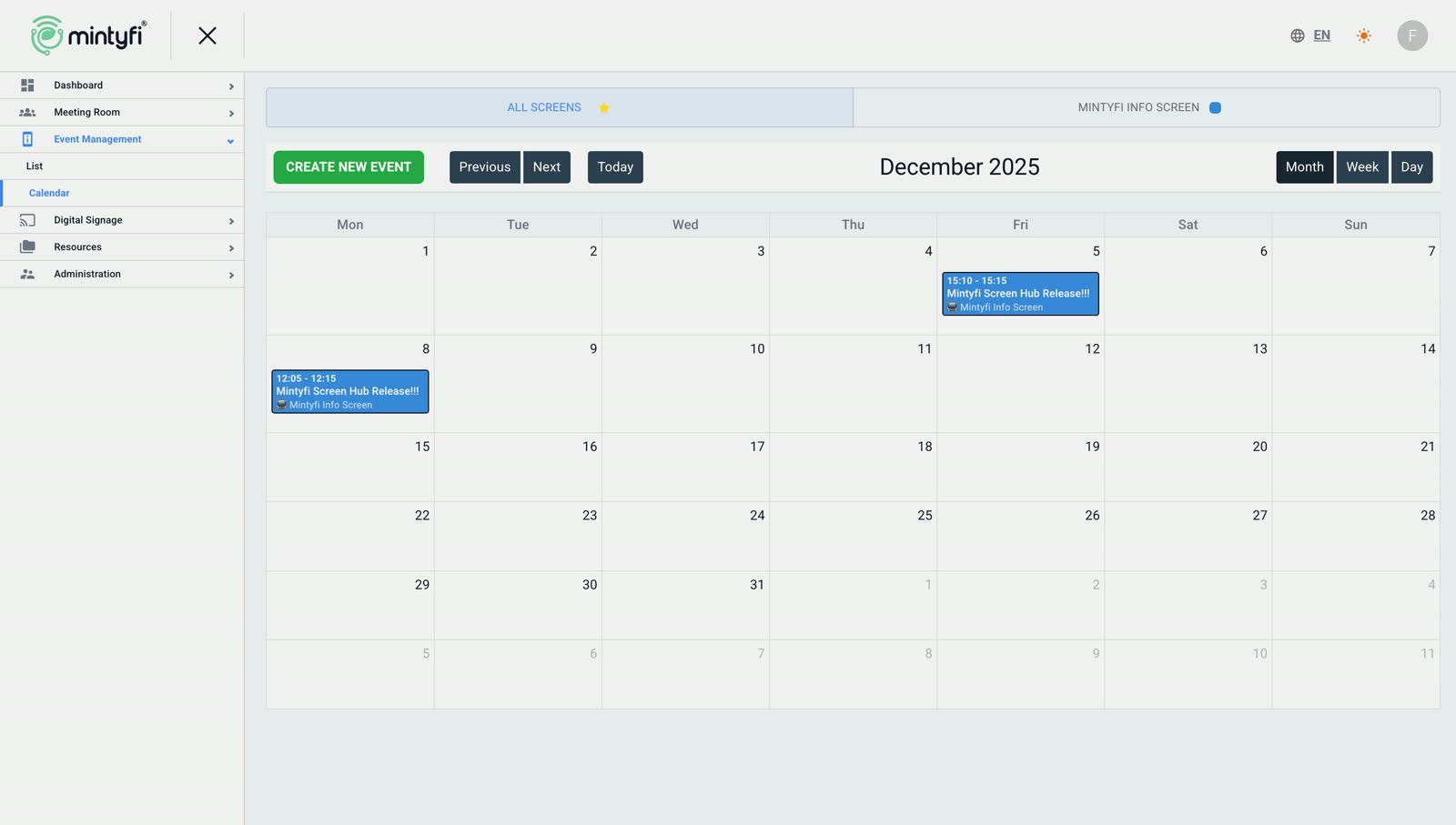
Priority Broadcast

Push priority announcements to every display instantly

Pause regular playback with one action and broadcast the important message to selected displays or the whole display network. When the announcement ends, displays return to their own playlists automatically.

  1. Regular playback
  2. Priority content
  3. Sent to all displays
  4. Back to regular playback

Start priority broadcast

Content
Important corporate announcement
Target
All displays
Duration
30 seconds
Priority
High
Publish now

Active broadcasts

  • Lobby playlistActive
  • Store campaignsActive
  • Shift informationActive
  • Event calendarActive
  • Daily menuActive
  • Corporate announcementsActive

Management console

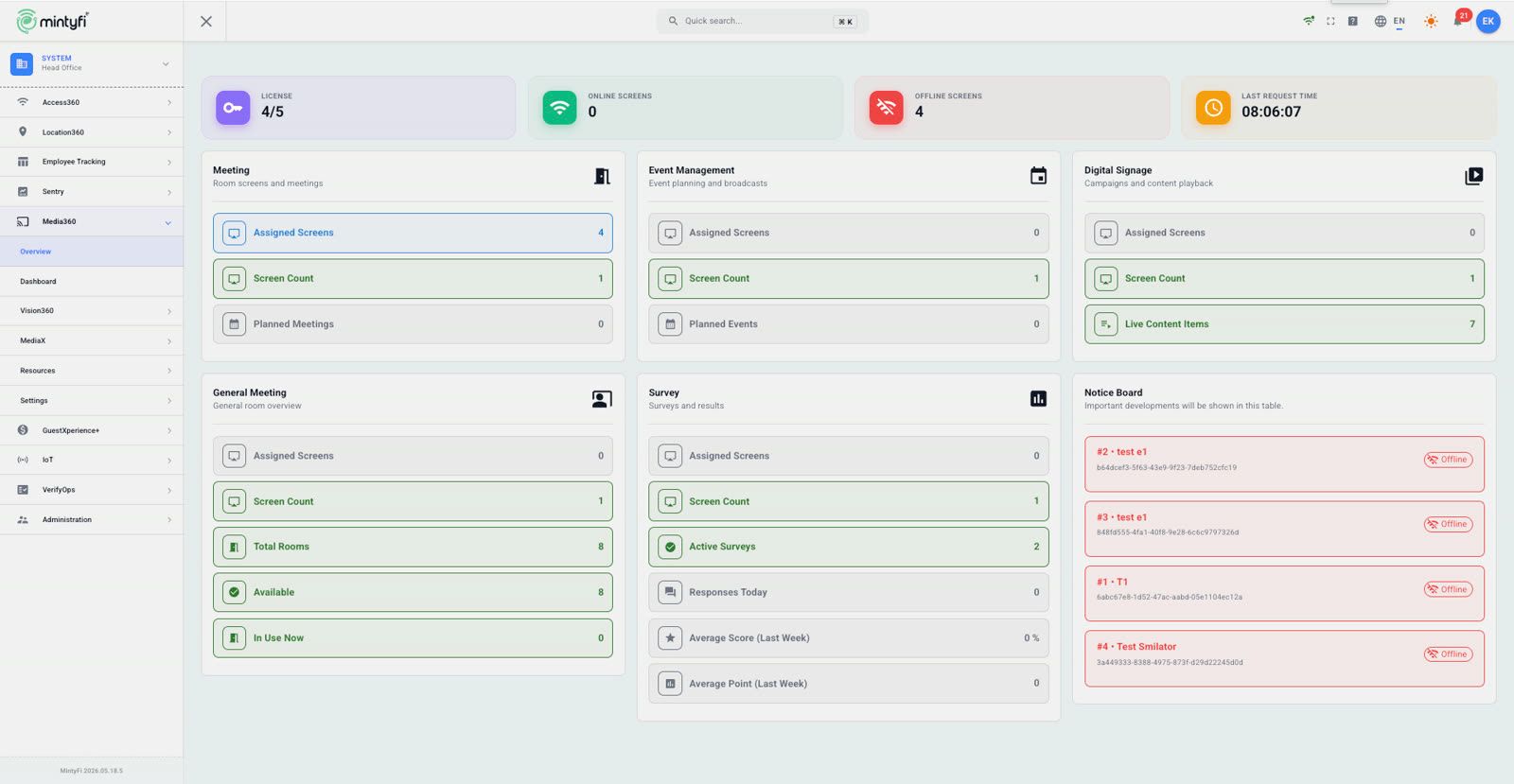
Every screen in one console

License status, online screens, playlists and the event calendar — all in a single session.

Resource management

Rooms, displays and devices in one chain

Every room is a record, every display a type plus PIN code, every device a serial number. Your inventory is tracked end to end.

Rooms

Meeting rooms, conference halls and board rooms are created with location and capacity details and edited from the list.

  • 1Meeting Room 101
  • 2Meeting Room 102
  • 3Conference Room
  • 4Board Room

Displays

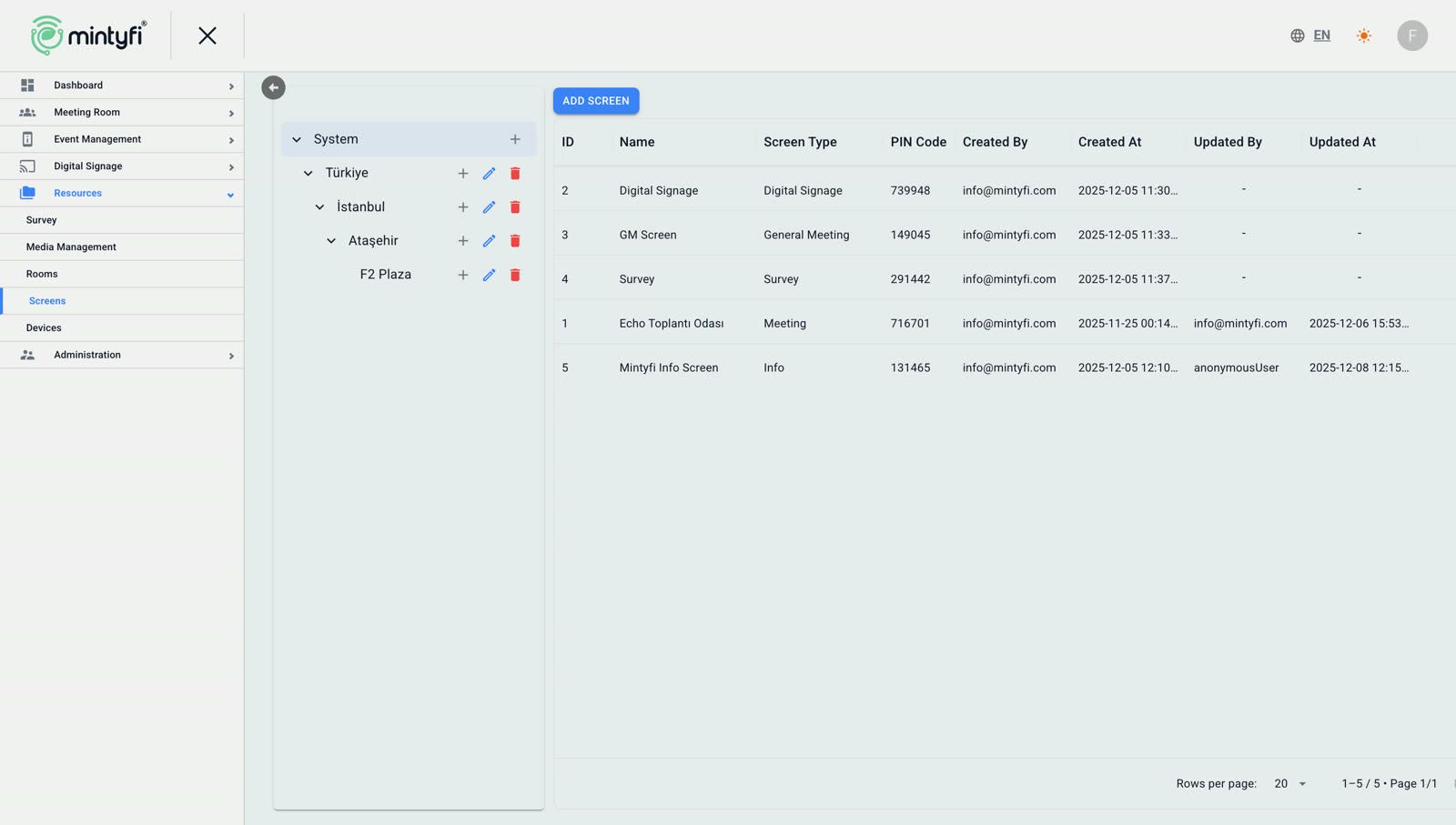
Every display has a name, a type and a PIN pairing code. As soon as the device enters that code it binds to the right room and content.

  • Meeting Screen 01MeetingPIN 493514
  • Info Screen 2InfoPIN 511369
  • Survey ScreenSurveyPIN 963390
  • Digital Signage 1Digital SignagePIN 838145

Devices

Devices are inventoried by serial number; connection status, offline duration and remote actions are managed in the panel.

  • Floor 4 — Door Panelb64dcef3-5f63-43e9Online
  • Lobby — Corridor Board848fd555-4fa1-40f8Online
  • Antalya — Info Display6abc67e8-1d52-47acOffline

General settings

Integrations

We use cookies to improve your experience. You can change your preference any time. Cookie policy