

Android-based · Plug-and-play display platform
Turn your Android displays into your workplace communication network.
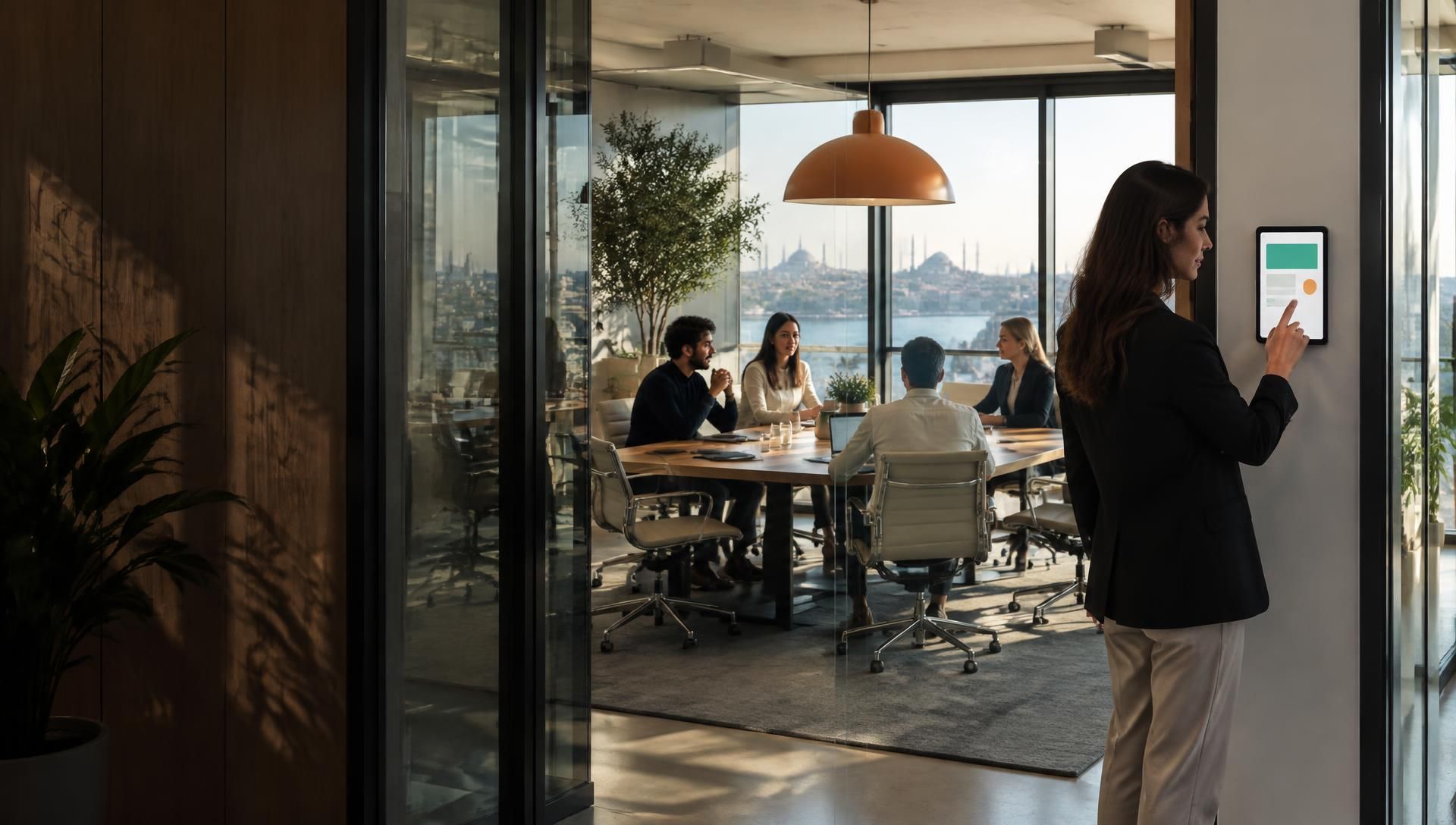
Meeting is the central platform that runs Android devices as meeting room panels, information displays or survey screens. Open the app, enter the code and go live.
One platform · One Android app · Three display experiences
What are you buying?
More than a display: an end-to-end managed communication system
Set up displays, manage content and monitor results from one portal without being tied to a hardware brand.
- 01
Central management platform
Manage displays, calendars, content and device health from the web portal.
- 02
Brand-independent Android app
Connect an existing or new Android display in minutes with a six-digit code.
- 03
Three ready-made use cases
Create meeting room, information and survey experiences on the same infrastructure.
How does it work?
A display works within minutes of leaving the box
No proprietary hardware, field installation or lengthy training. The Android app connects the device; its role is set in a five-step wizard.
Five-step display wizard
Create a new display
-
Set the role of the same Android device. Reassign its type without replacing hardware when needs change.
- Meeting room display
- Information display
- Survey display
-
Match the device with a location, floor and use case so it stays easy to find across a large fleet.
- Board Room · Door
- Lobby · Portrait display
-
Choose a meeting calendar, information playlist or survey form.
- Microsoft 365 calendar
- Corporate announcement list
-
Set colours, logo, language and layout to match your corporate identity.
- Corporate theme
- High-contrast theme
-
Enter the pairing code in the Android app. The display downloads content and settings and starts publishing.
- Six-digit pairing code
- Automatic remote updates
Live setup From dashboard to screen: five steps, one code
- Add screen
- Meeting room
- Google Calendar
- Code: 284761
- LIVE
Enter the display code from the platform
Display connected · Ready to publish
Open the app, enter the code, done. Plug and play · No technical support needed · Remote management
Real setup screens
Three screens on the tablet: connect, enter the code, go live
The images below are from the app itself; not mockups.
-
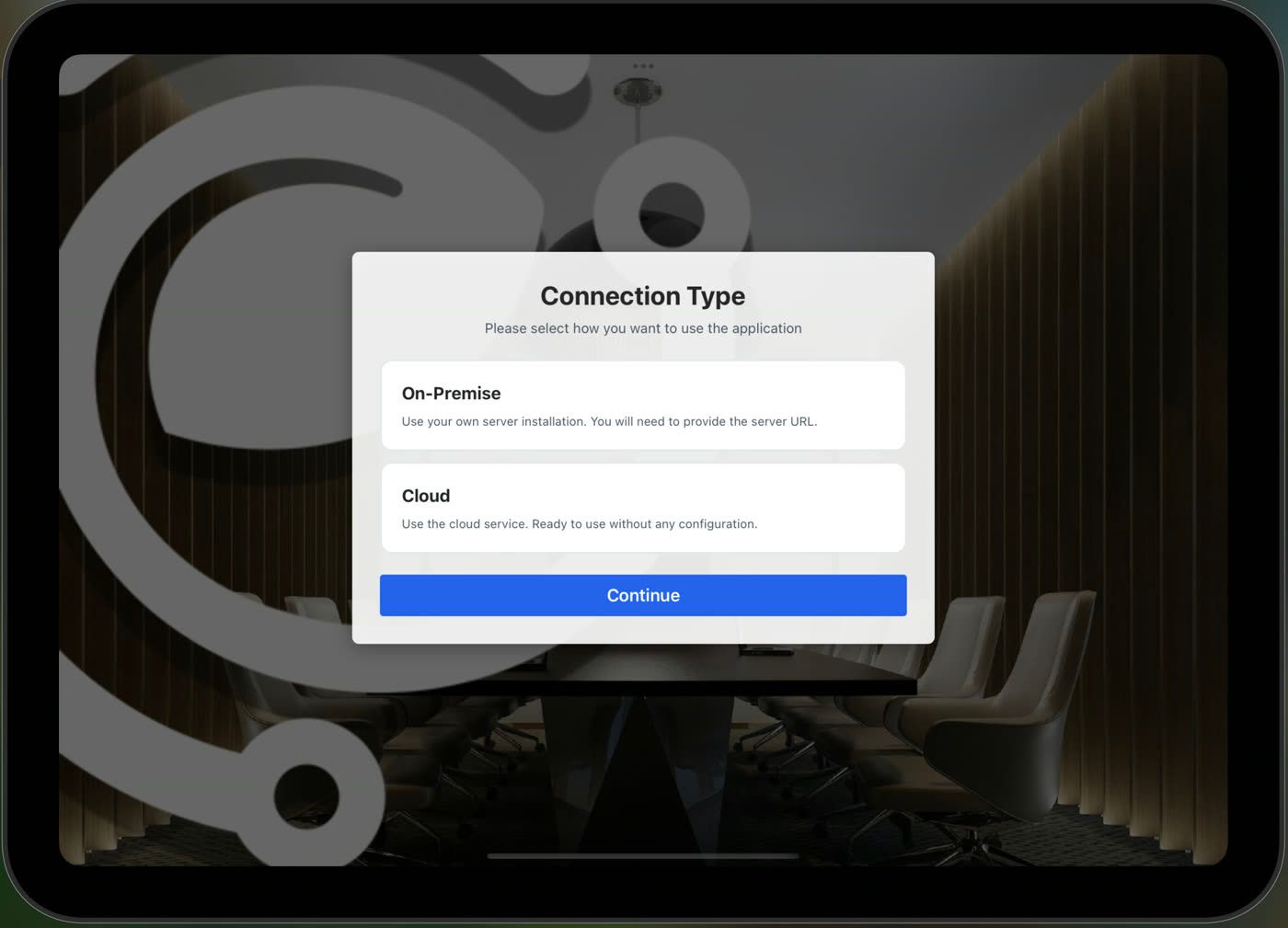
1 · Choose the connection type -
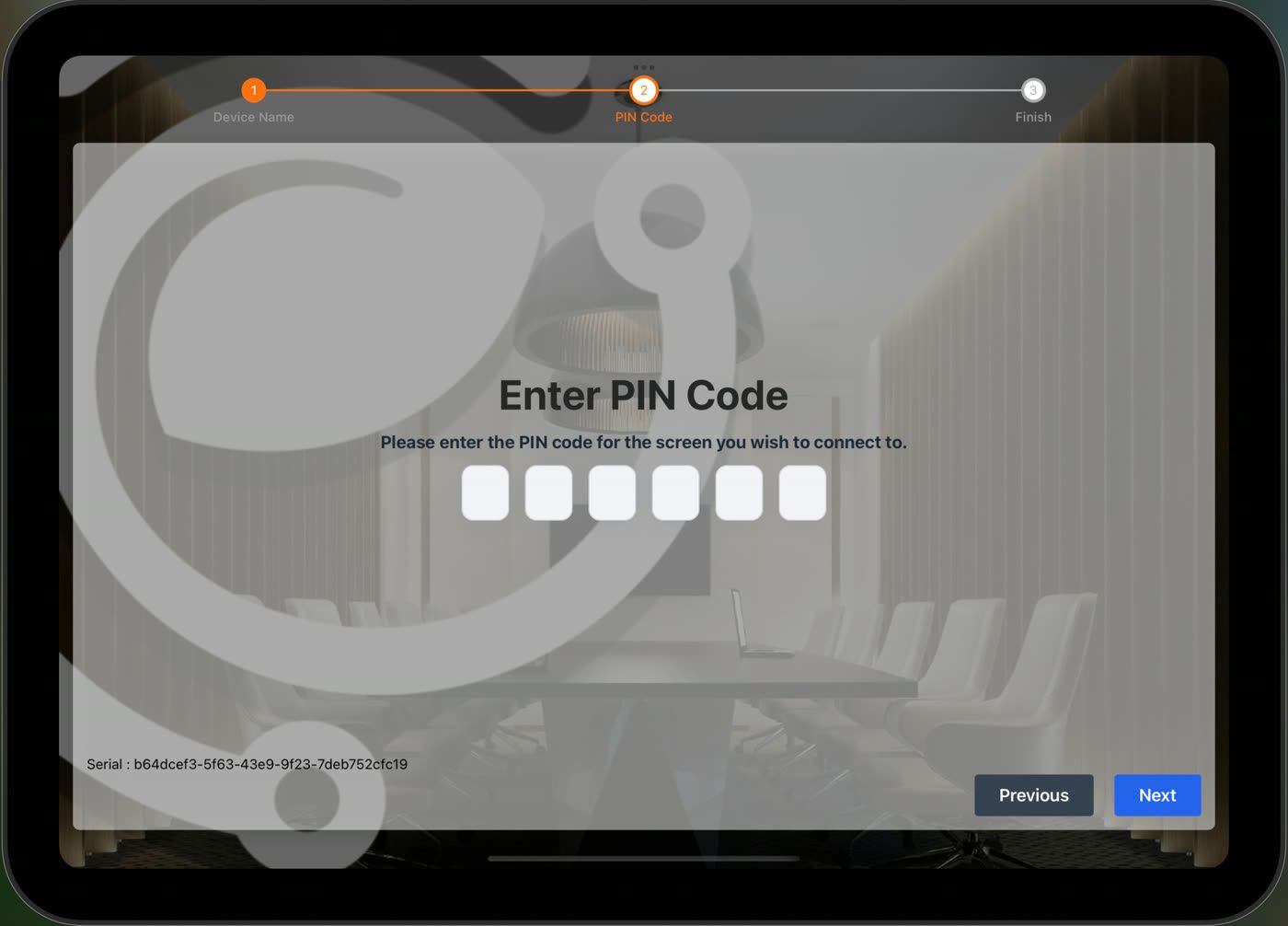
2 · Enter the pairing code -
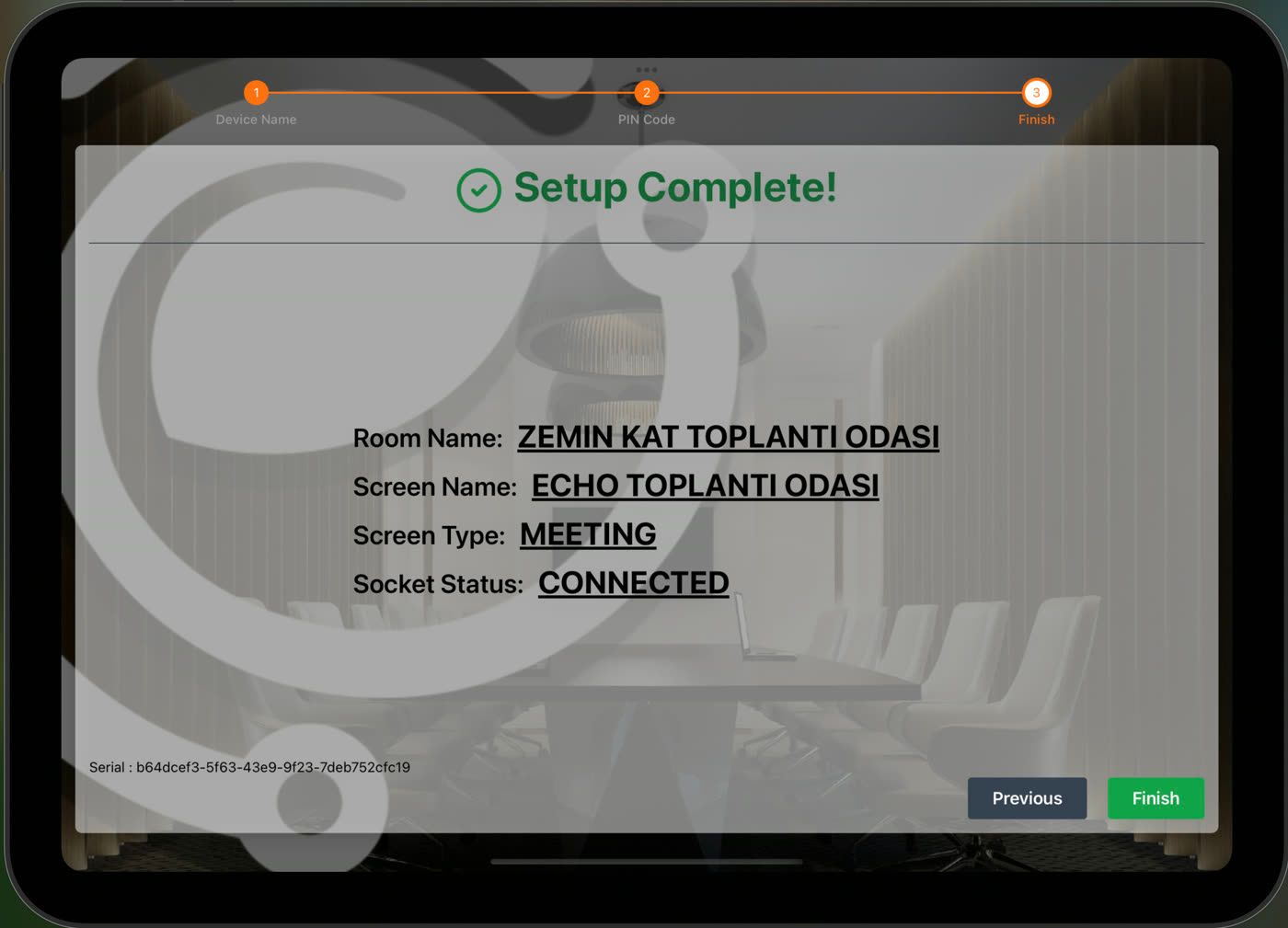
3 · Setup complete
What happens at the door?
One tap, real data
- AURORA AVAILABLE
01Available
An employee arrives, the room is free.
- AURORA Book Now
02Book Now · 30 min
One tap writes it to the calendar.
- AURORA BUSY
03Busy
Door panel and corridor screen update instantly.
- AURORA +30
04+30 min usage
Real usage lands in the dashboard.
What does it do?
One capability per display
Manage every screen across your office from a single platform.
- 01
Door Panels
Smart panels carrying room name, state and the next meeting to the door.
- 02
Wayfinding Displays
Floor boards guiding people to the right room in multi-room offices.
- 03
Efficiency Analytics
Decide with check-in rate, occupancy and idle-time reporting.
- 04
Events & Announcements
Publish corporate announcements and event agendas to your displays.
- 05
Surveys & Signage
Collect feedback and broadcast content across shared areas.
- 06
Calendar Sync
Microsoft 365, Google Workspace and Minty Calendar merged into one unified calendar.
One app, three display experiences
Choose the use case, not the device
Meeting rooms, corporate information and feedback collection run in the same app and management portal.
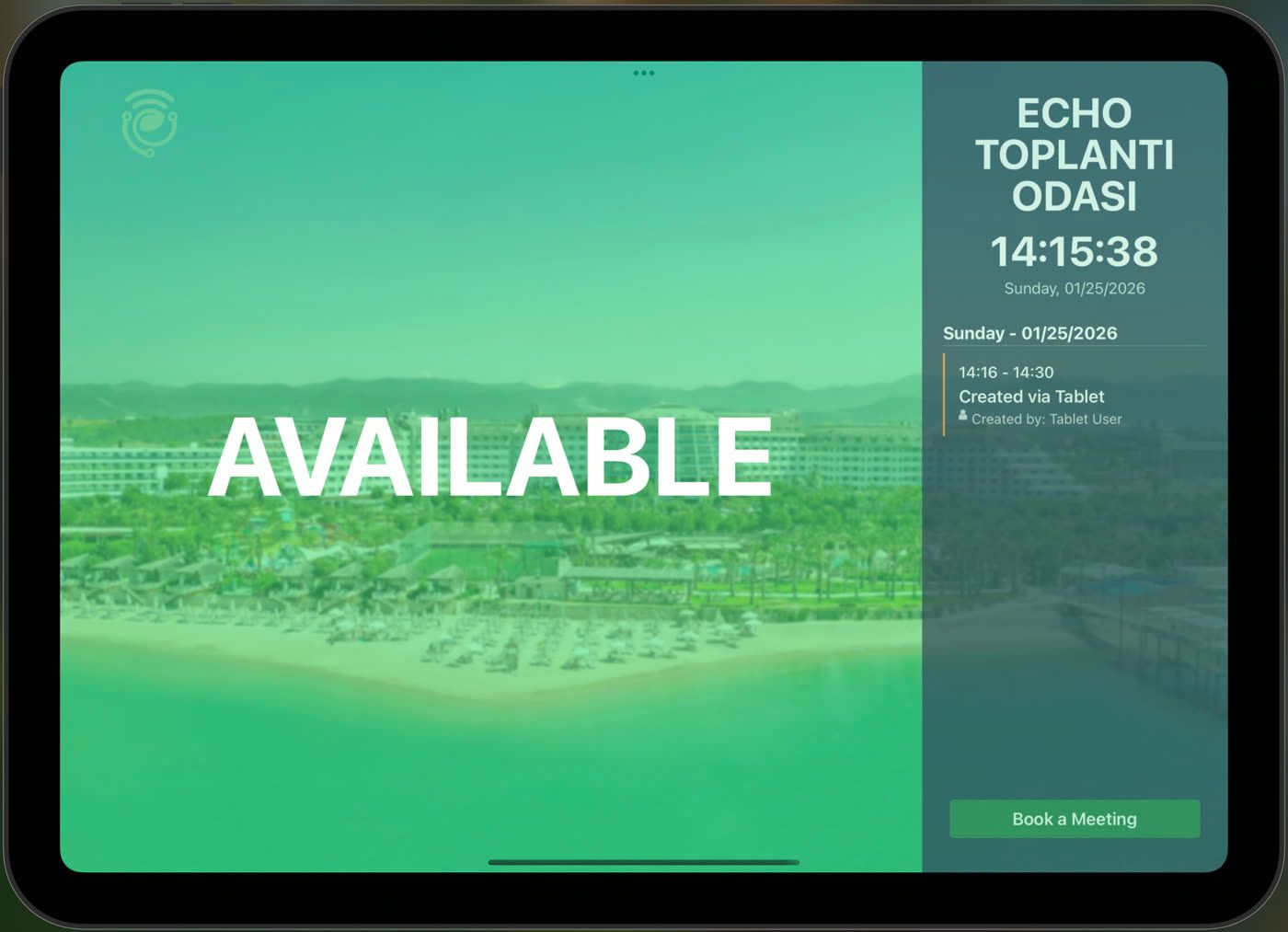
Meeting room · AuroraLIVE
Available
Use the room now or view the 10:30 Product Committee meeting.
- Check-in
- Book now
- Calendar sync
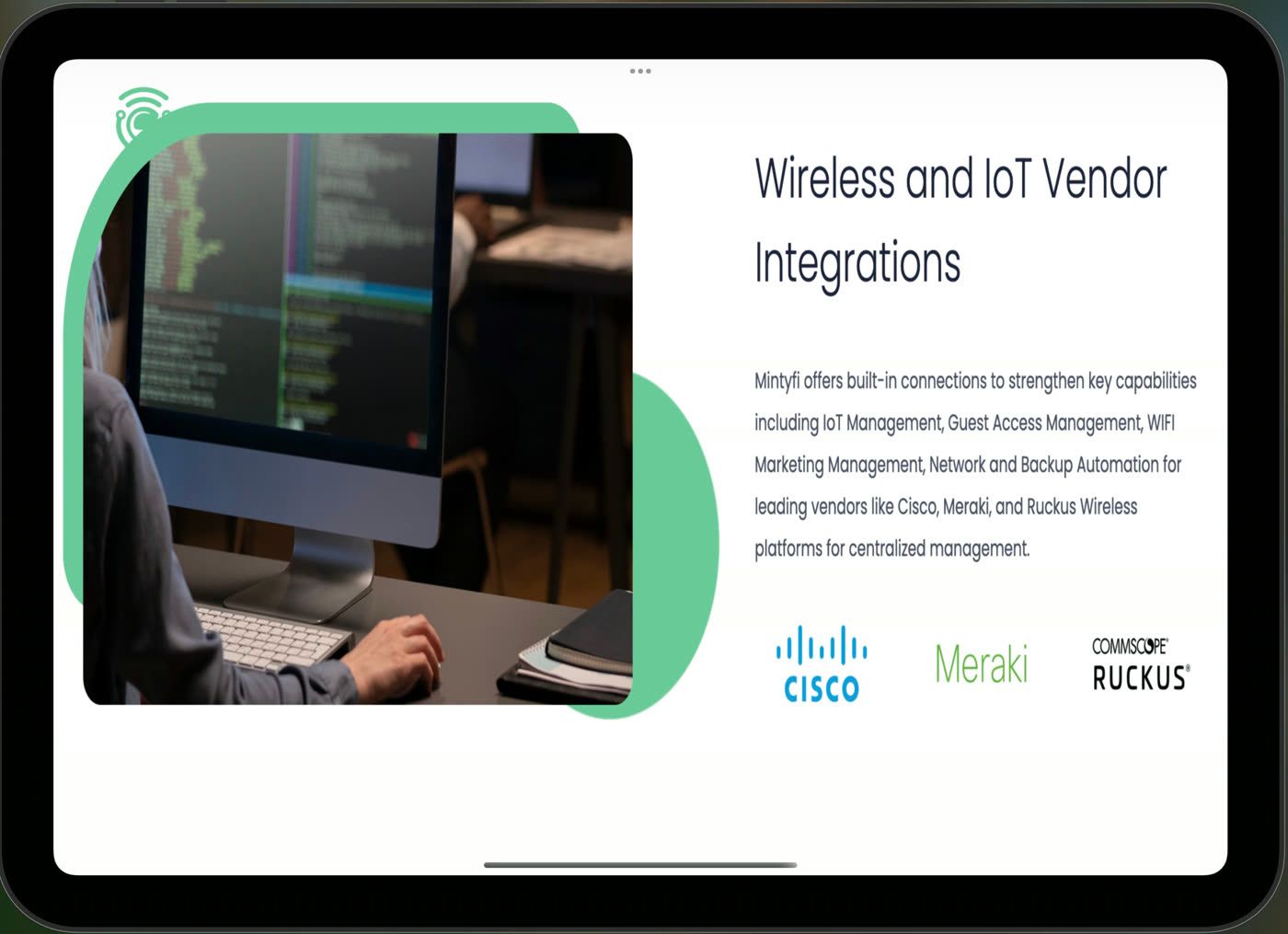
Lobby information displayLIVE
Today at the office
Event programmes and corporate announcements reach selected displays instantly.
- Playlist
- Scheduling
- Priority publish
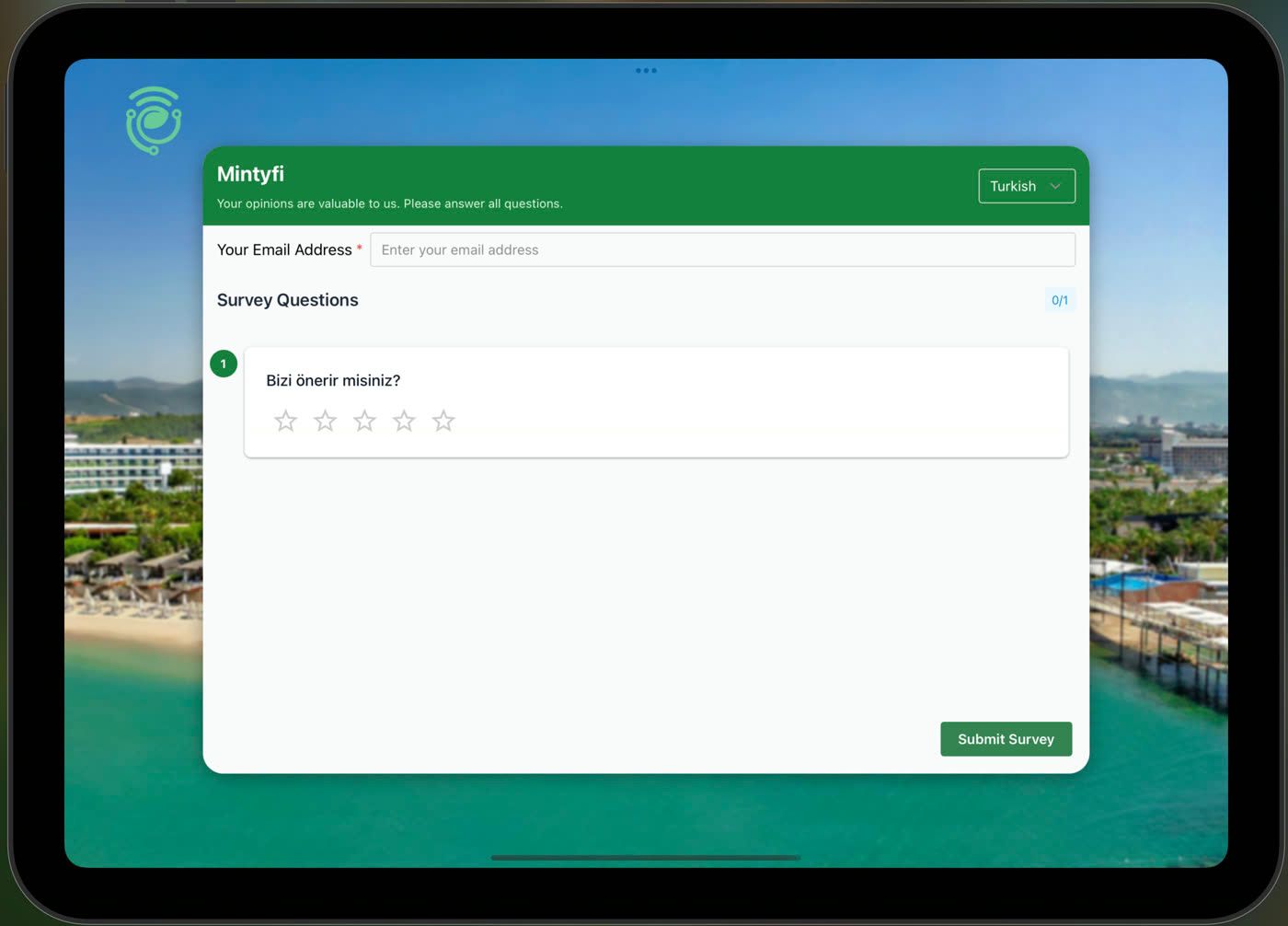
Experience surveyLIVE
How was your experience?
Capture feedback at the moment it matters with touch ratings and free text.
- Live results
- QR support
- Reporting
Real product shots
Know exactly what will appear on screen
Actual live views of meeting, signage and survey displays.
-
Meeting room · Available -
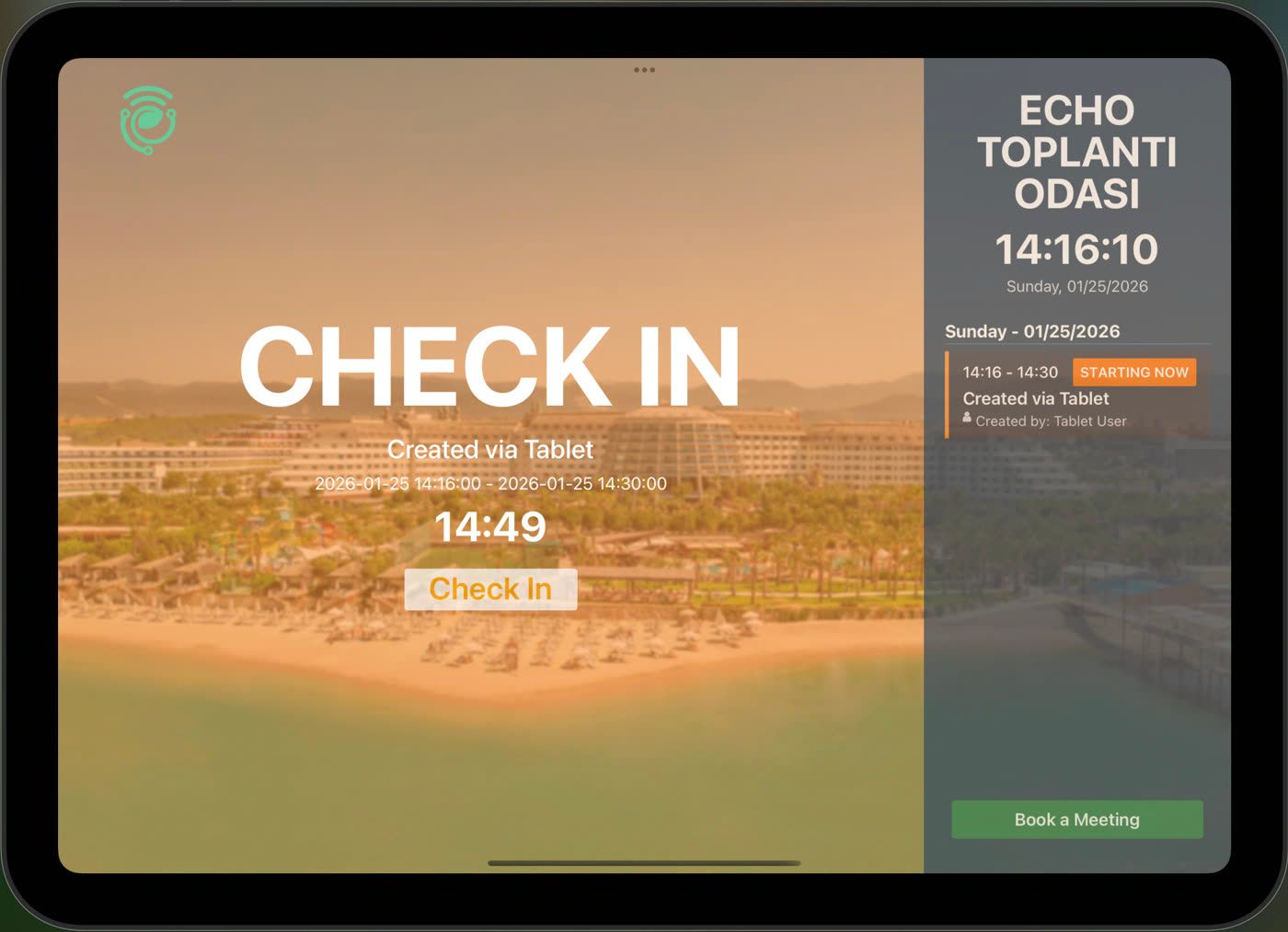
Meeting room · Check-in -
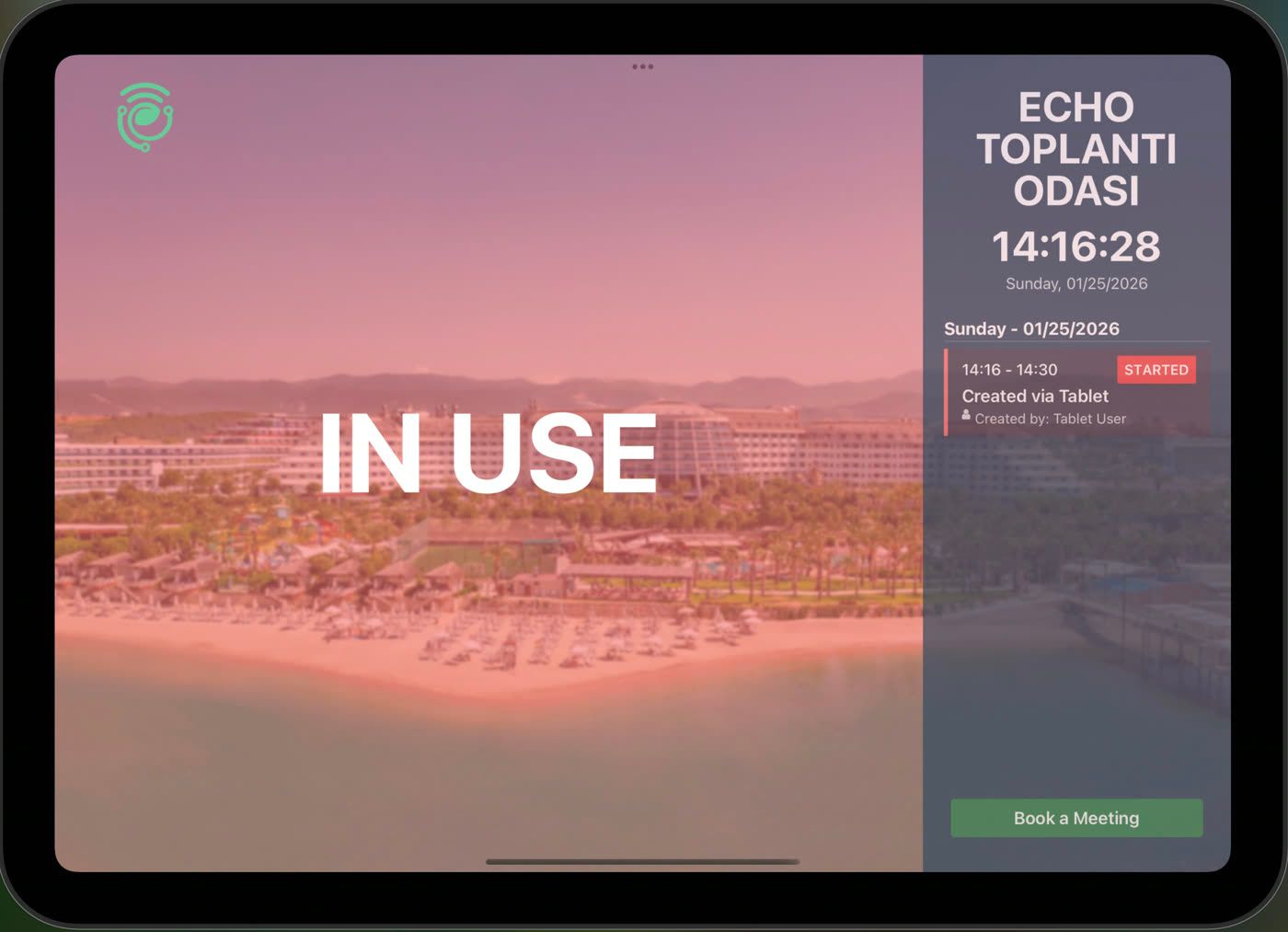
Meeting room · In use -
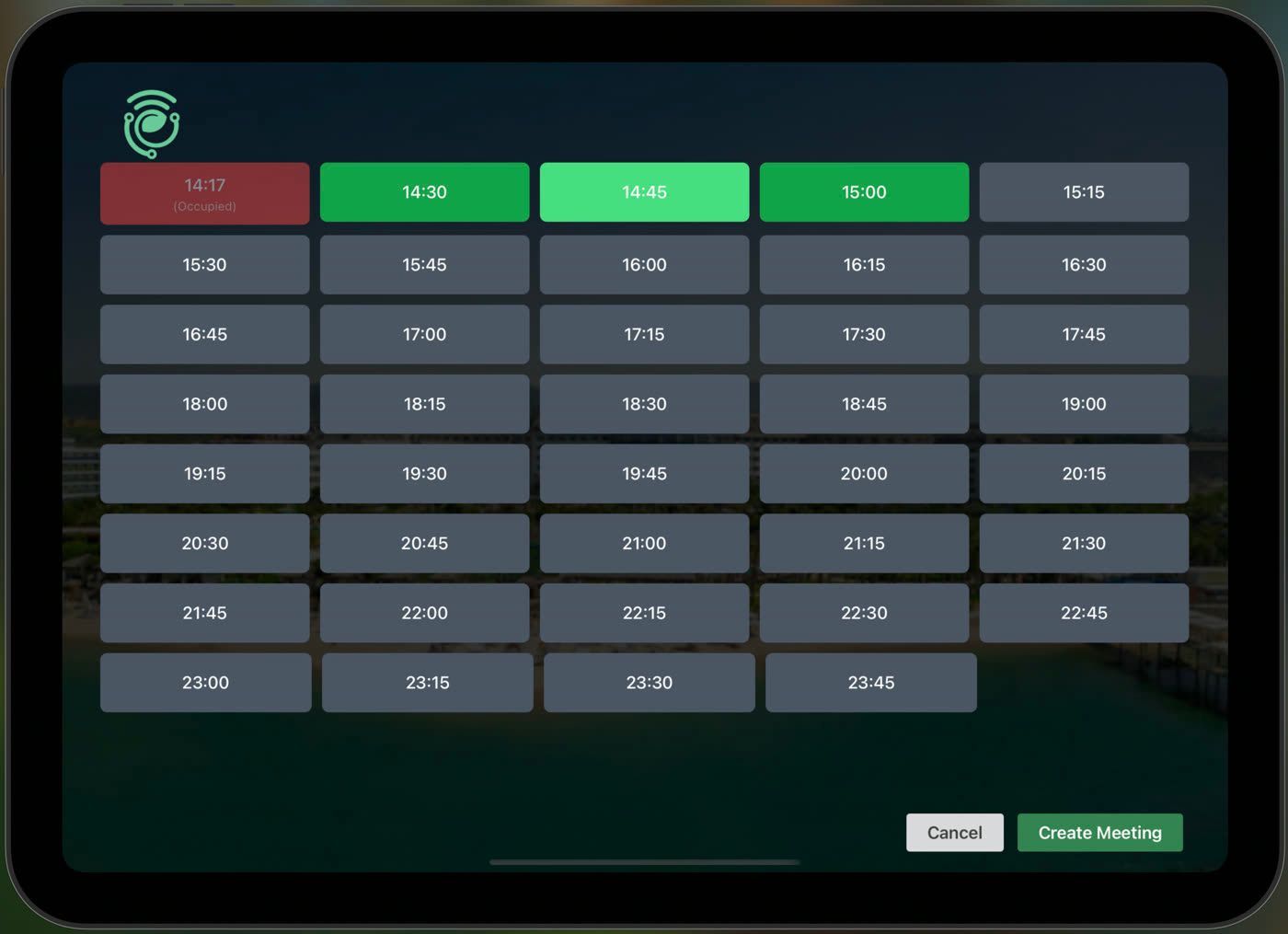
Book now · Slot picker -
Survey display
Analytics dashboard
See which rooms work and which sit locked and empty
- Total rooms
- 24
- Average occupancy
- 63%
- No-shows
- 14%
- Auto-released
- 38
- Busiest room
- Aurora
- Least used
- Orion
- Room time recovered
- 71 h
Hourly density
Your gains
What changes when Meeting goes live?
In corporate offices bookings, door displays and announcement playback stay in separate systems, so room usage goes unmeasured and people's time is wasted. Meeting brings that flow into one panel and carries the result to every door and report.
-
01 · Automatic
An end to ghost meetings
Bookings without a check-in are released automatically; rooms are no longer locked up for meetings nobody attends.
-
02 · Instant
No more waiting at the door
Free / Busy state and the next meeting appear at the door; double bookings and door-front queues disappear.
-
03 · Live
Decisions backed by data
Occupancy, check-in rate and idle-time reports let you measure your room investment and improve your floor plan.
Hardware freedom
Do not lock yourself to a display brand
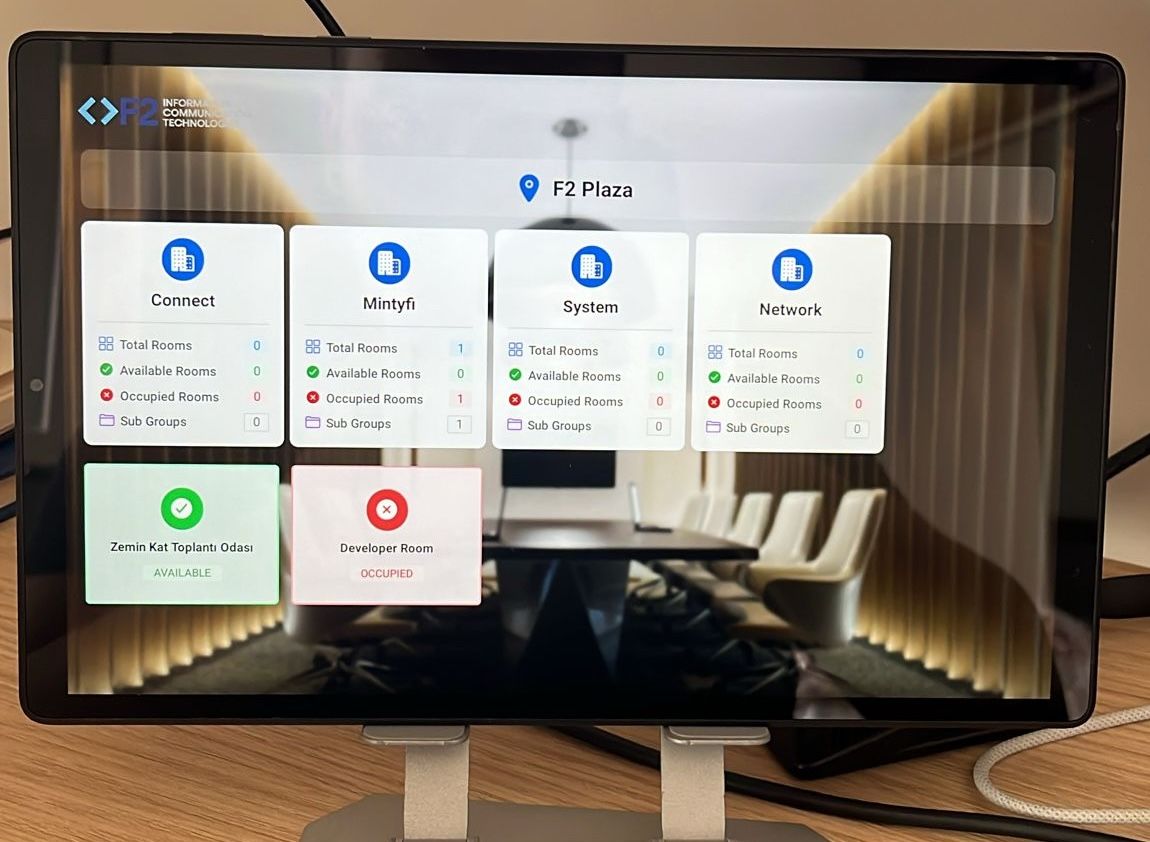
Manage Android devices from different brands, sizes and form factors in the same fleet. Protect existing display investment and choose the right hardware at new locations.
- No proprietary device requirement
- Different sizes from door panels to portrait lobby displays
- Central version, connection and publishing status
- Licensing and content flow survive device replacement
Use cases
How it works in real environments
-
 01
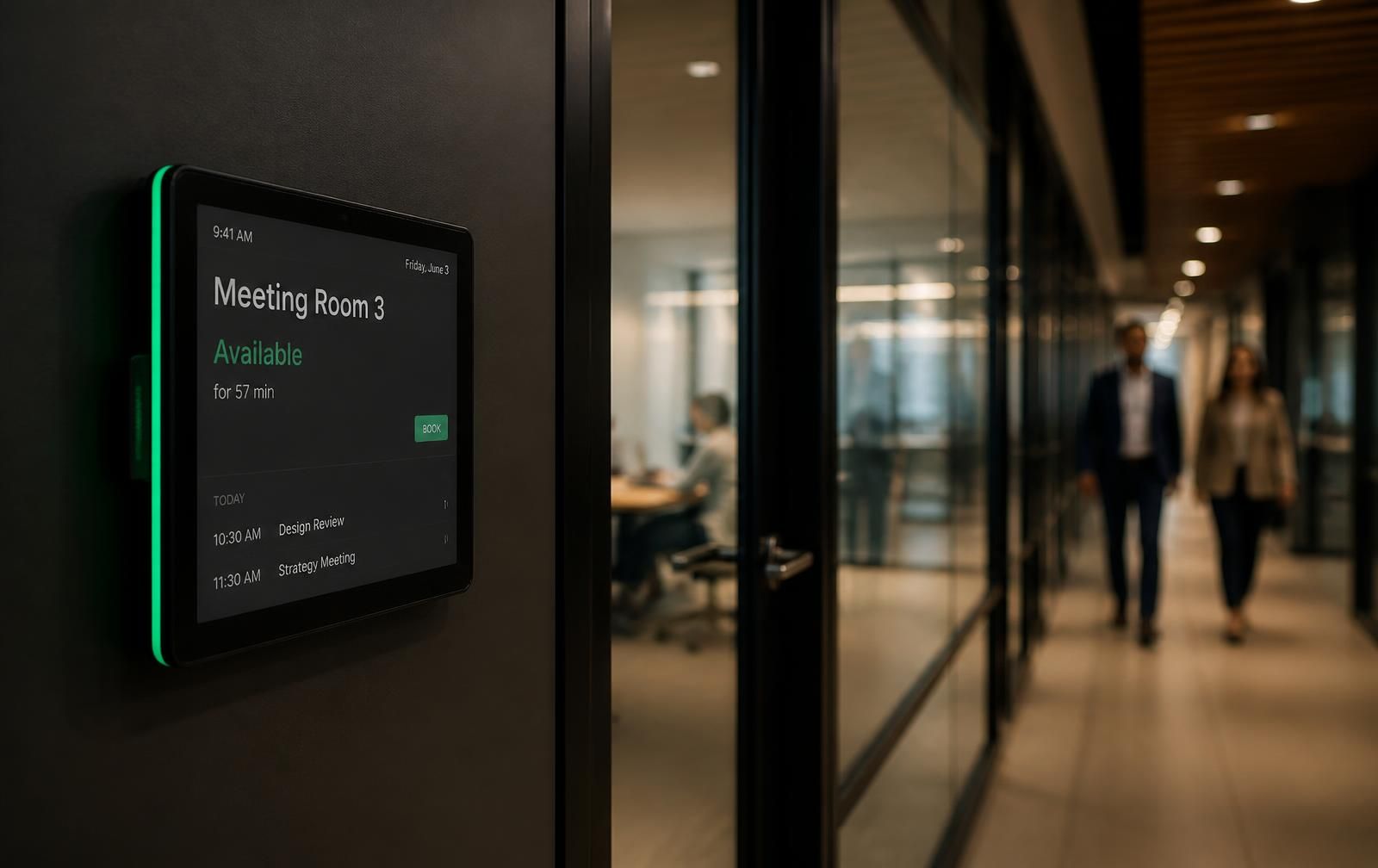
The conference room door shows the meeting live
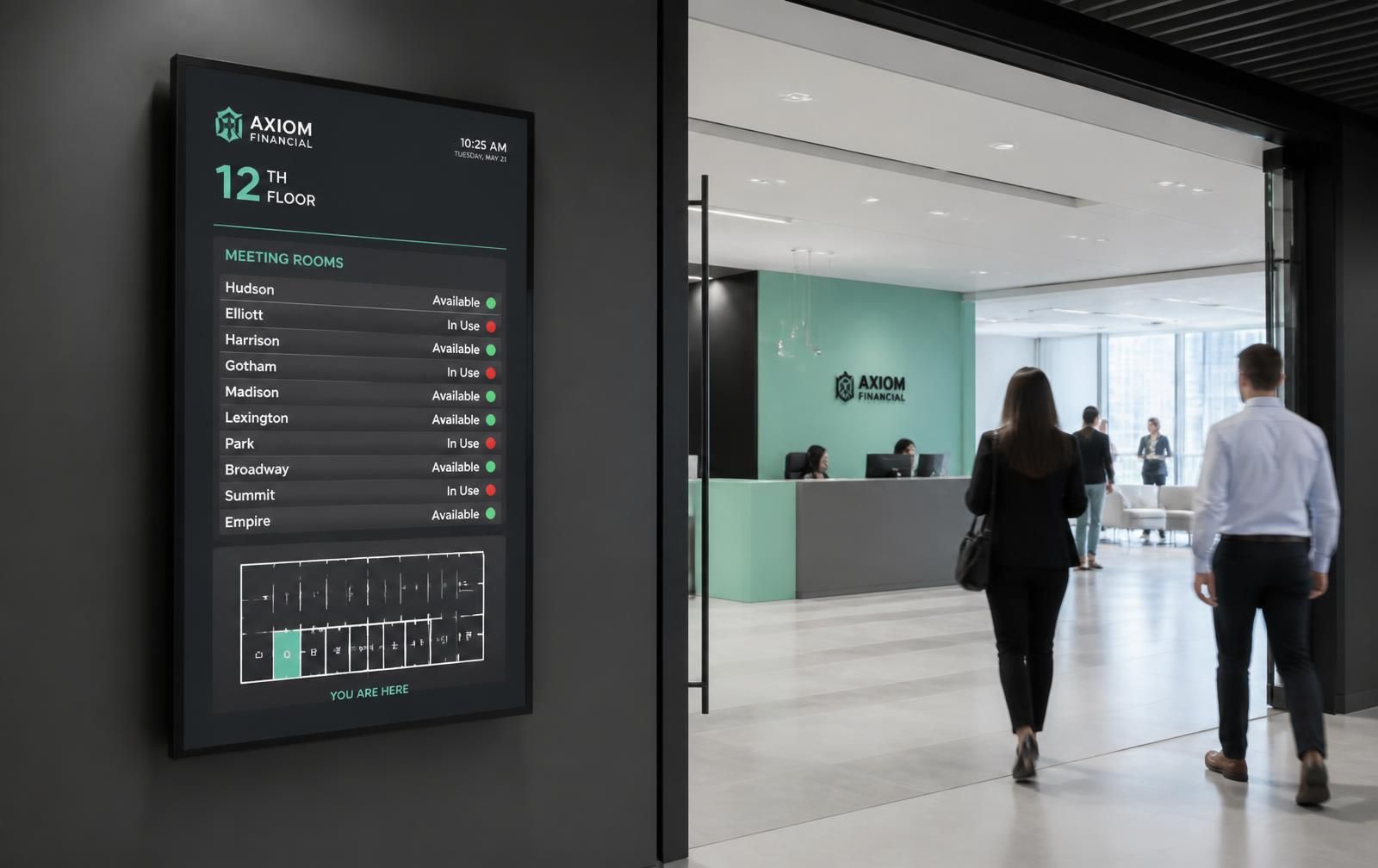
The door panel shows the current booking through calendar integration; walk-in booking and check-in raise room utilisation.
-
 02
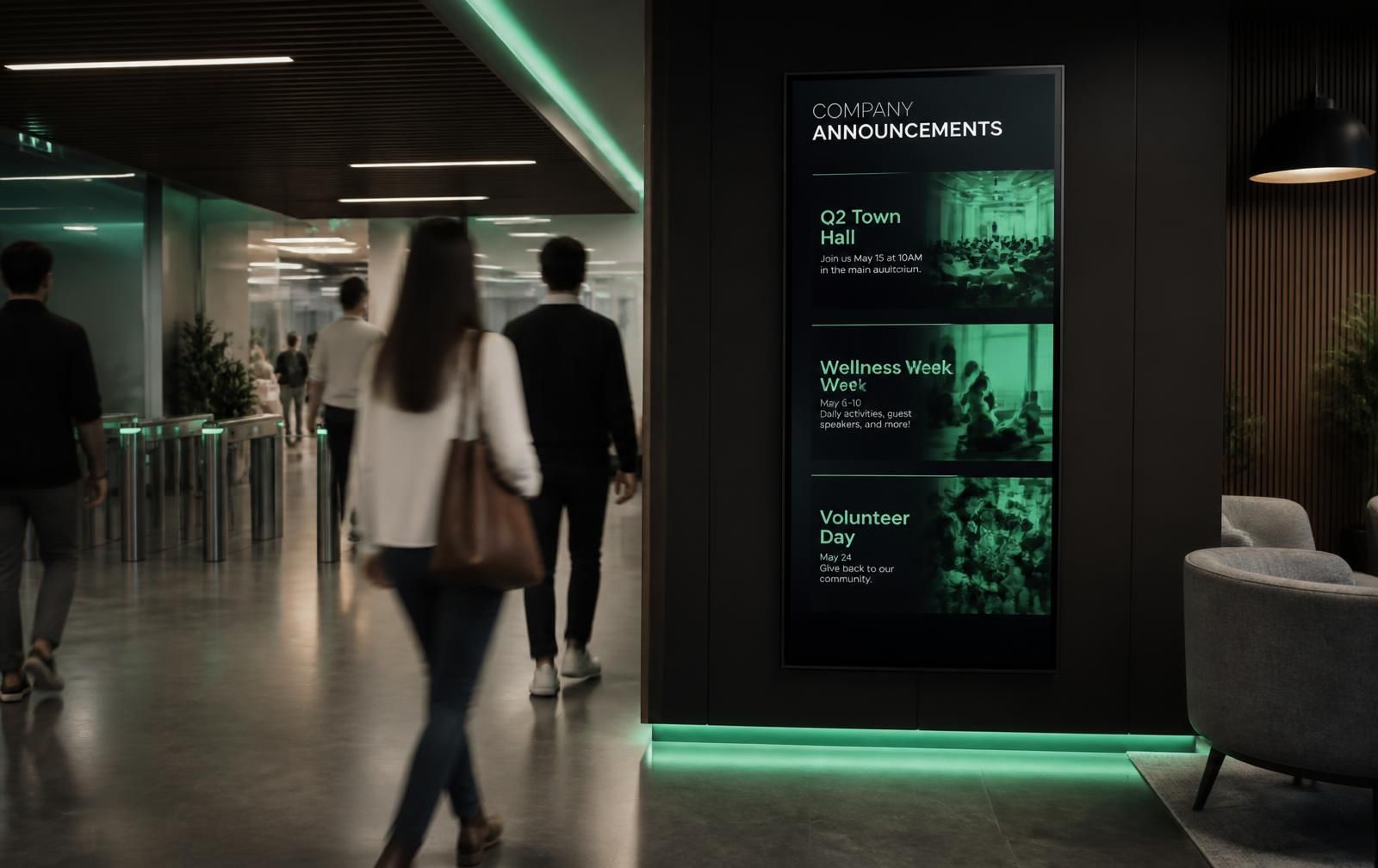
Campus-wide event announcements publish instantly
Content is prepared in the central panel and sent to selected displays, scheduled or immediately.
-
 03
Hotel lobbies strengthen guest experience with branded media
Corporate content, event programmes and special offers across lobby, restaurant and floor displays are managed from one system.
Industries
Corporate Office
High-volume meeting traffic
Hospitality
Meeting and event halls
Education / Campus
Classroom and lab planning
Healthcare
Privacy-first room management
In real workplaces
This is how Meeting screens look in the corridor, at the floor entrance, in the lobby and inside the meeting room.
-
01Door panel: green when the room is free, red when busy — visible before opening the door. -
02The wayfinding board at the floor entrance lists the live status of every room. -
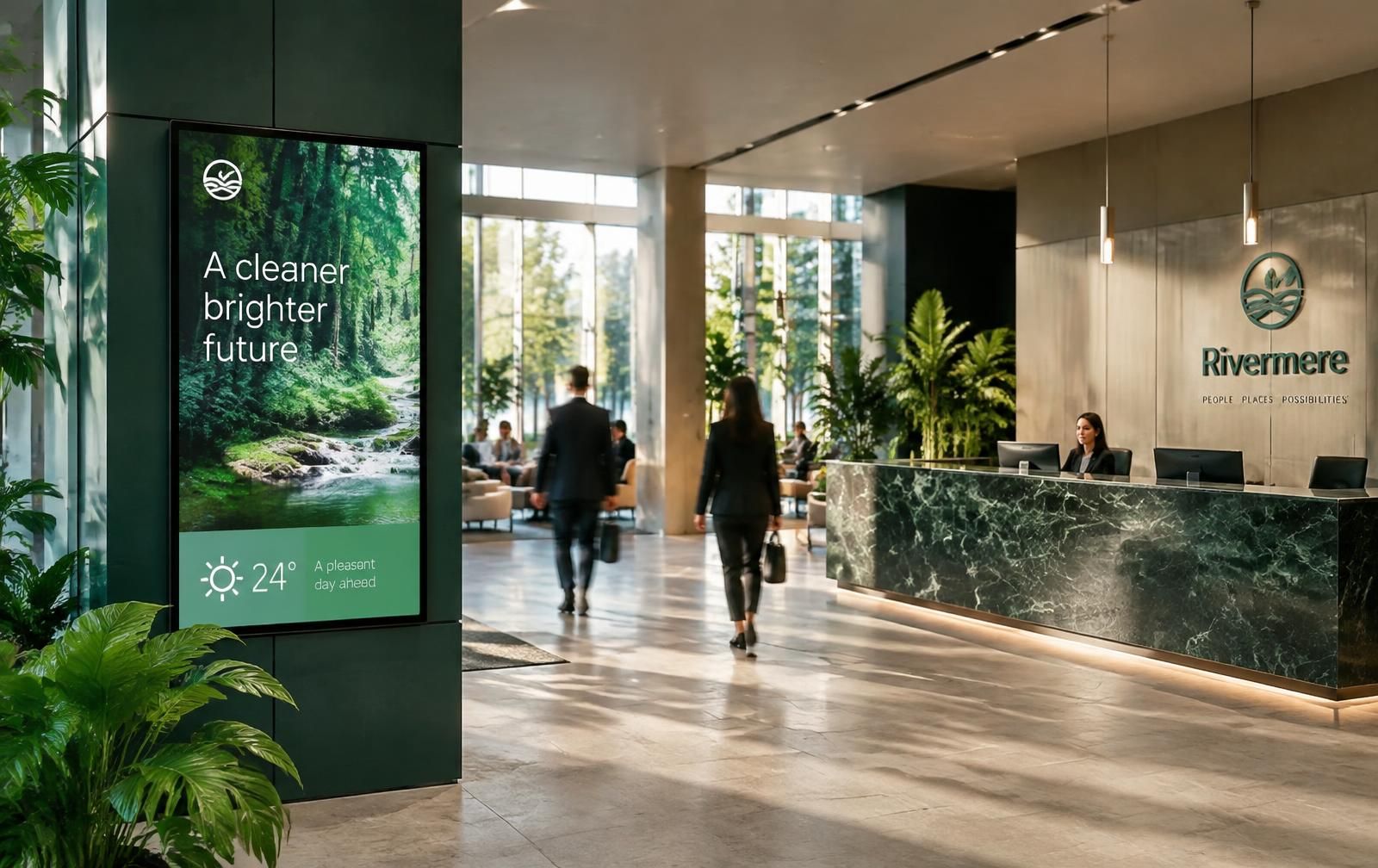
03Lobby screens play announcements, events and campaign content in sequence. -

04Meetings are confirmed with check-in, so no-show bookings never waste a room.
Why Meeting?
Compare operating cost before alternatives
Evaluate installation, hardware dependency and range of use—not only the interface—before deciding.
| Criteria | Meeting | Proprietary hardware | Classic signage |
|---|---|---|---|
| Initial setup | Enter code and run | Field setup required | Technical setup required |
| Hardware choice | Brand-independent Android | Locked to vendor device | Limited player support |
| Display types | Meeting + info + survey | Usually meeting rooms | Usually information |
| Display creation | Five-step wizard | Specialist configuration | Content manager required |
| Calendar and check-in | Built in | Depends on package | Not standard |
| Remote management | One portal | Vendor portal | Publishing focused |
Comparison shows typical characteristics of solution categories; scope may vary by provider and package.
Compare packagesAssurance
- 01
GDPR / KVKK ready
No personal data shown on screens.
- 02
Code pairing
Devices connect only with a dashboard-issued code.
- 03
Remote monitoring
Offline screens are visible instantly.
Pricing
Packages that scale with your rooms
Try free for 30 days, continue with a per-display monthly licence or get an enterprise agreement for multiple locations. No proprietary device purchase is required.
See pricing- 01
Free pilot
Free · 30 days
Validate the product in your real environment with up to four displays.
- 02
Monthly licence
Per display
Pay for active displays and switch freely between display types.
- 03
Enterprise agreement
Volume based
Multiple locations, central permissions and custom integrations.